How to read an Amazon advertising report: the search term, campaign and targeting reports, and what to do with what you find in each.
Amazon gives you three main advertising reports. Each one answers a different question. The problem is that Amazon's interface makes them feel like one overwhelming pile of data. Here's how to read each one and what to do with what you find — together, they're the raw material for a step-by-step PPC audit.
Report 1: The Search Term Report (most important)
This tells you exactly what shoppers typed before they clicked your ad. It's the most valuable report because it shows you the gap between what you're targeting and what's actually happening. Download it from Advertising → Reports → Search Term.
What to look for: sort by spend (highest first). The top 20 search terms are where most of your money goes. For each one, check: did it produce orders? What's the cost per order? Is the search term actually relevant to your product? A high-spend term with zero orders is wasted spend you should negate. A high-spend term with good conversion is a winner you should promote to exact match.
Report 2: The Campaign Report (your P&L by campaign)
This shows performance at the campaign level — spend, sales, ACoS, impressions, clicks. It answers: which campaigns are making money and which are burning it?
What to look for: campaigns with high spend and high ACoS need investigation. But don't just look at ACoS — a campaign with 35% ACoS on a product with 50% gross margin is profitable, while a campaign with 20% ACoS on a product with 22% gross margin is barely breaking even. Always compare ACoS to the product's actual margin.
Report 3: The Targeting Report (keyword-level view)
This shows how each keyword or target you've set is performing. It's the report you use to adjust bids — raise bids on keywords with low ACoS and high impressions (they can win more auctions), lower bids on keywords with high ACoS (they're too expensive at the current bid).
What to look for: keywords with high impressions but low clicks have a CTR problem — your ad is showing but shoppers aren't clicking. Either the keyword isn't relevant or your listing (title, image, price) isn't competitive for that search. Keywords with high clicks but low orders have a conversion problem — shoppers click but don't buy. Check your product page, reviews, and price competitiveness.
The reporting problem nobody talks about
Amazon's reports are powerful but they're designed for analysts, not operators. Downloading CSVs, cross-referencing campaign IDs, building pivot tables — this takes hours for a seller who has 30 other things to do today. The data is there. The accessibility is not.
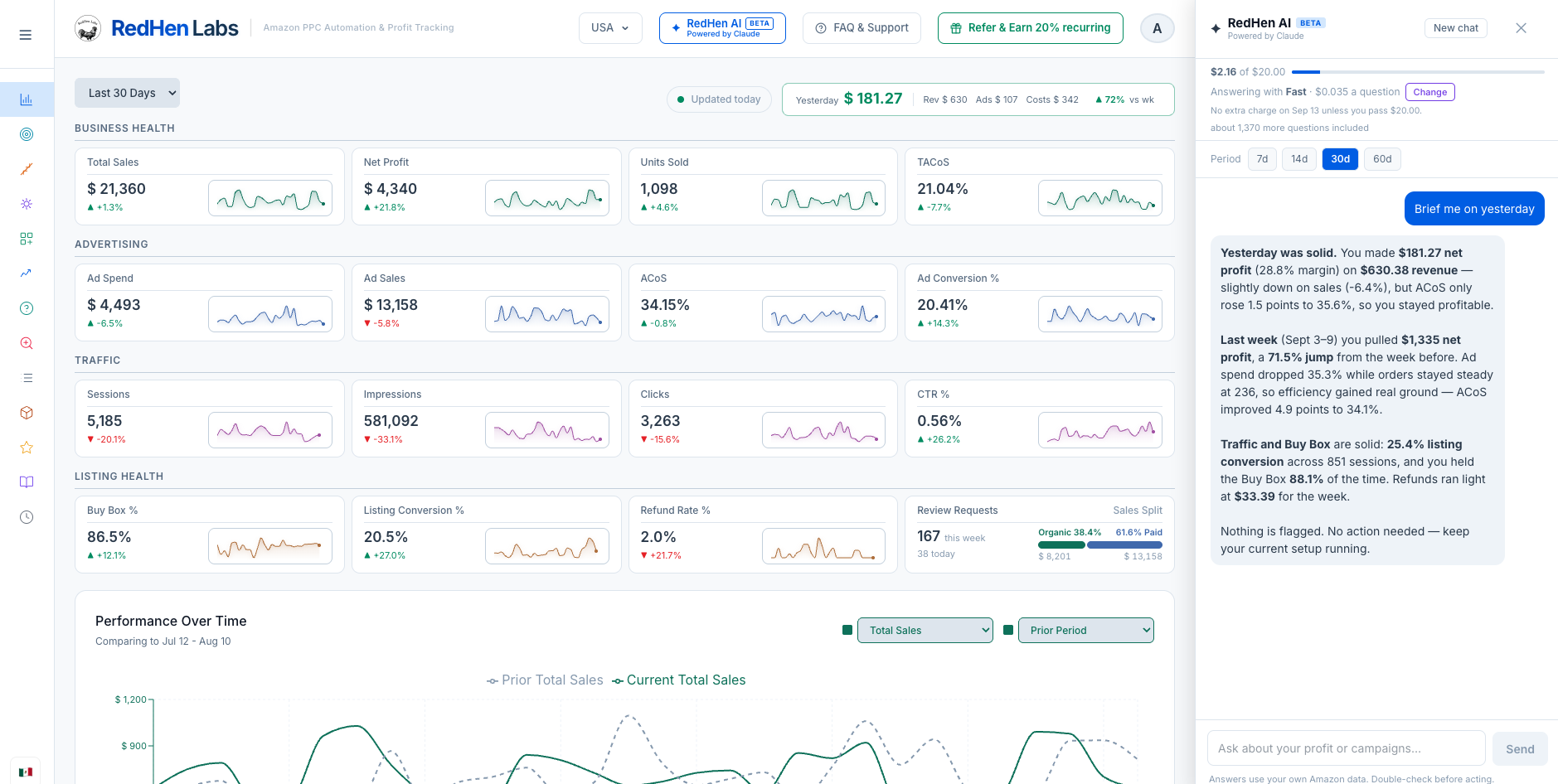
RedHen Labs pulls all three reports automatically, surfaces the insights that matter (wasted spend, winners, budget capped campaigns), and lets you take action from one dashboard. The same data, without the spreadsheet archaeology. Try it free for 14 days.
.png) Partner
Partner