How to audit your Amazon search term report in 5 minutes. Exact spreadsheet filters, the 3 negative match-types to add first, what most sellers leave behind.
The search term report is the single most valuable document your Amazon ad account produces. It tells you exactly what shoppers typed before they clicked your ad, what that click cost, and whether it turned into a sale. Every PPC decision I make on my own Rowdy Rooster Woodworks account starts here. Most sellers download it once, feel overwhelmed, and never look at it again — and the waste hiding in the report compounds every day they don't act on it.
This is the manual version of what good automation should be doing continuously. If you don't have automation in place, this is the discipline that keeps an account from drifting. If you do, this is what your automation is doing under the hood — and worth understanding so you can sanity-check its decisions.
How to pull the report
In Seller Central: Advertising → Reports → Create Report → Search Term → pick a 30-60 day window and download. Open the CSV in a spreadsheet. The columns that matter are Customer Search Term, Spend, Sales, Orders, Clicks, and Campaign Name. Sort by Spend descending — that's where your money goes. With active automation you don't need to pull this manually; the system watches the data daily and you act on it within days instead of weeks.
Pattern 1: High spend, zero orders
Filter for rows where Orders = 0 and Spend is meaningful. The dollar threshold for "meaningful" depends on the product. My case-pack SKUs can tolerate something like $60 of spend on a clearly-not-converting term before I'm concerned — the per-unit margin is high enough that delayed attribution might still pencil it out. A thin-margin single-unit product might already be a problem at $8. The right threshold is: what's the most you'd spend on a zero-order term before the math against your break-even no longer works?
Above that line, the term isn't going to start converting. Negate it as a negative exact keyword in the campaign or ad group where it appeared.
Pattern 2: High clicks, low conversion
Some search terms do generate sales but at a terrible efficiency. Calculate cost-per-order for each term (Spend ÷ Orders). If cost-per-order exceeds your per-unit margin, you're losing money on every sale — paying more to acquire the customer than the unit is worth.
One real caveat here: low conversion isn't always the ad's fault. Ads can only get a shopper to the product page. The listing has to make them want to buy. If a relevant, well-targeted term has plenty of clicks and few orders, the next question is whether your listing is converting at all — images, title, bullets, price, reviews. The ad campaign isn't always the problem worth fixing first.
Action options: lower the bid on the term (cheaper clicks may pencil), negate if the intent is fundamentally wrong, or promote the term to an exact-match campaign at a controlled bid if it's relevant but expensive in its current campaign.
Pattern 3: Cannibalization
Look for the same search term appearing across multiple campaigns. Overlapping targeting (auto + broad bidding on the same query, for example) makes you compete against yourself, drives up your own CPC, and splits the data so you can't see which campaign is actually doing the work.
Pick one campaign to own the term (usually the one with the best conversion rate), negate it in the others, and let the single owner accumulate clean data. The full nuance — when you might intentionally leave overlap in place — lives in our keyword harvesting guide.
Pattern 4: Hidden winners buried in auto campaigns
Not everything in the report is waste. Sort by Orders descending and look at auto campaign terms with strong conversion rates but low spend. These are terms Amazon found for you that are converting well but aren't getting traffic because they're sharing the auto campaign's budget with everything else.
The standard move is to promote these winners to a dedicated exact-match campaign with their own budget. The harvest article above has the readiness checks (orders, conversion rate, ACoS, lookback window) you should run before promoting, plus the negation decision tree for the source campaign.
Pattern 5: ASINs in the search term column
The "Customer Search Term" column doesn't only contain typed queries. When product targeting or an auto campaign matches your ad to a competitor's product page, the ASIN of that competitor shows up where the search term would normally be. You'll recognize them: they look like B0xxxxxxxxx instead of words.
The action is different from keyword negation. You can't add a negative keyword for an ASIN; you need a negative product target (sometimes called a negative ASIN) in the campaign or ad group. If you've got high spend / zero orders on an ASIN search term, it means your ad is showing on a product detail page where shoppers aren't interested in your alternative — different price tier, wrong size, wrong use case. Negate the ASIN target at the ad group level.
When NOT to negate
A few cases where a term that looks wasteful is actually doing real work and shouldn't be touched:
-
Brand defense terms. Searches for your own brand name. They may show poor immediate ad-spend ROI because the shopper would have bought you anyway — but if you negate them, a competitor will bid on your brand name and intercept. The defensive value isn't measured by ACoS; it's measured by the gap between "you ranking #1" and "competitor ranking #1."
-
Variant-discovery breadcrumbs. A term performing poorly today might be the trailhead Amazon's matching algorithm is using to find a related winning variant. Choking it too early kills the discovery. If a broad target or auto campaign is producing the kind of variety that occasionally surfaces a winner, the right control is bid management and human review, not blanket negation.
Negation match type: when phrase vs. exact
Negative exact is the default. Negative phrase is a much bigger move — it kills every variation containing the phrase. Save phrase negatives for terms whose entire family you genuinely want gone (irrelevant brand competitor names, terms that have proven unprofitable across many variants). Using phrase reflexively is how operators accidentally choke profitable longtail traffic they didn't know they had.
How often
Manual: weekly is the right tempo. Bi-weekly is acceptable. Monthly lets too much accumulate. A bad search term spending $3/day adds up to $90 in a month, and most accounts have dozens running unchecked.
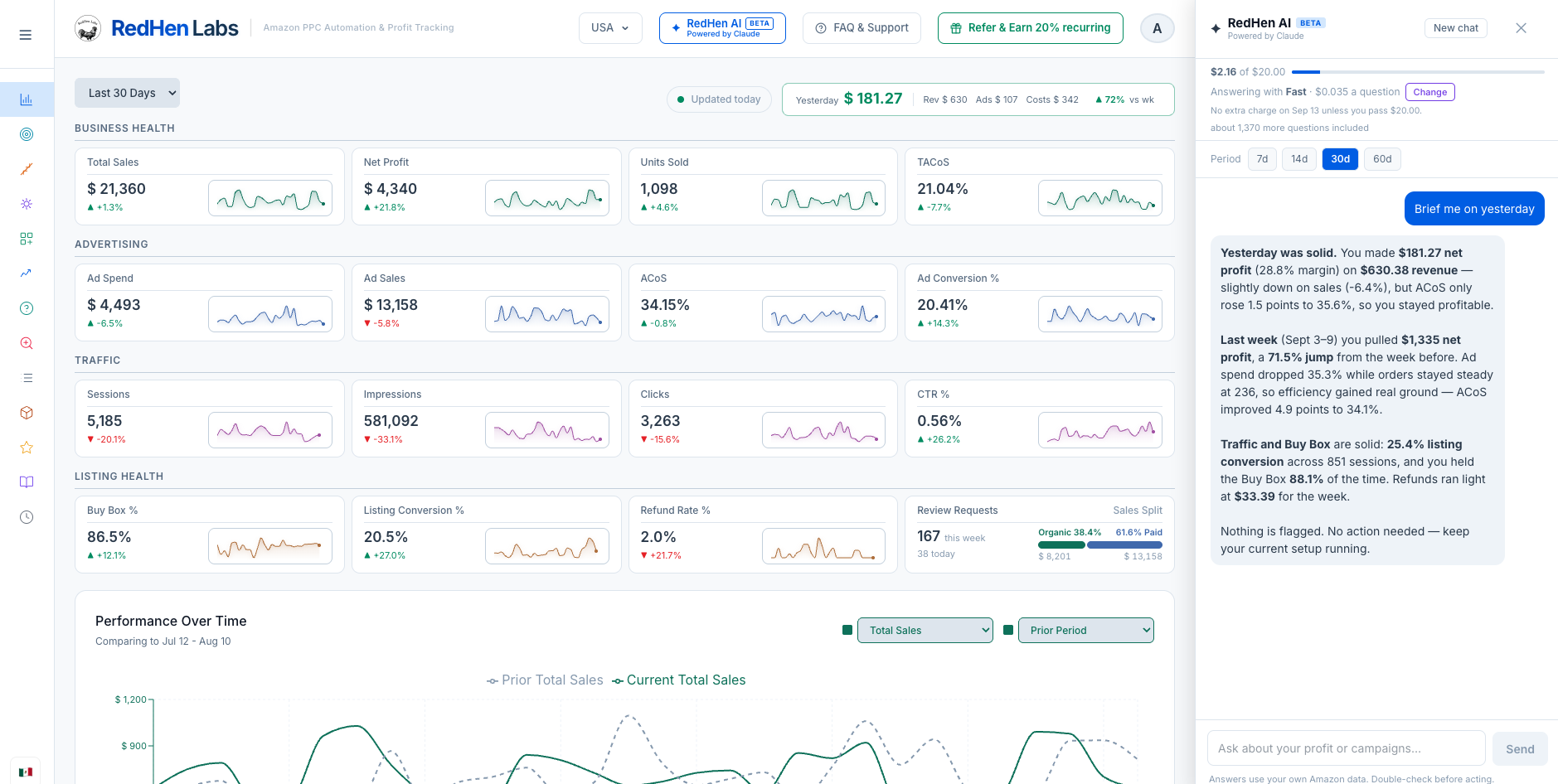
With automation in place: continuous. The system watches it daily, queues negation candidates for your approval, and your role becomes review-and-confirm instead of pulling and sorting reports.
Try our free PPC waste calculator for a one-time read of your current waste — upload a search term report and get the breakdown in seconds. For the continuous version, RedHen Labs runs this loop daily and surfaces specific negations and harvests for your approval. 14-day free trial — no charge today.

.png) Partner
Partner