Not just more data. Answers you can act on. Changes executed when you approve them.
All of it. And it doesn’t go up when your spend doubles, your catalogue triples, or you add a marketplace.
US · CA · MX · BR on one seat — no per-marketplace fee. No contracts, cancel anytime.
Card required · $0 today · then $129/mo (Professional) on day 14 unless you cancel · cancel anytime
Just want profit tracking + reviews?
.png) Partner
Partner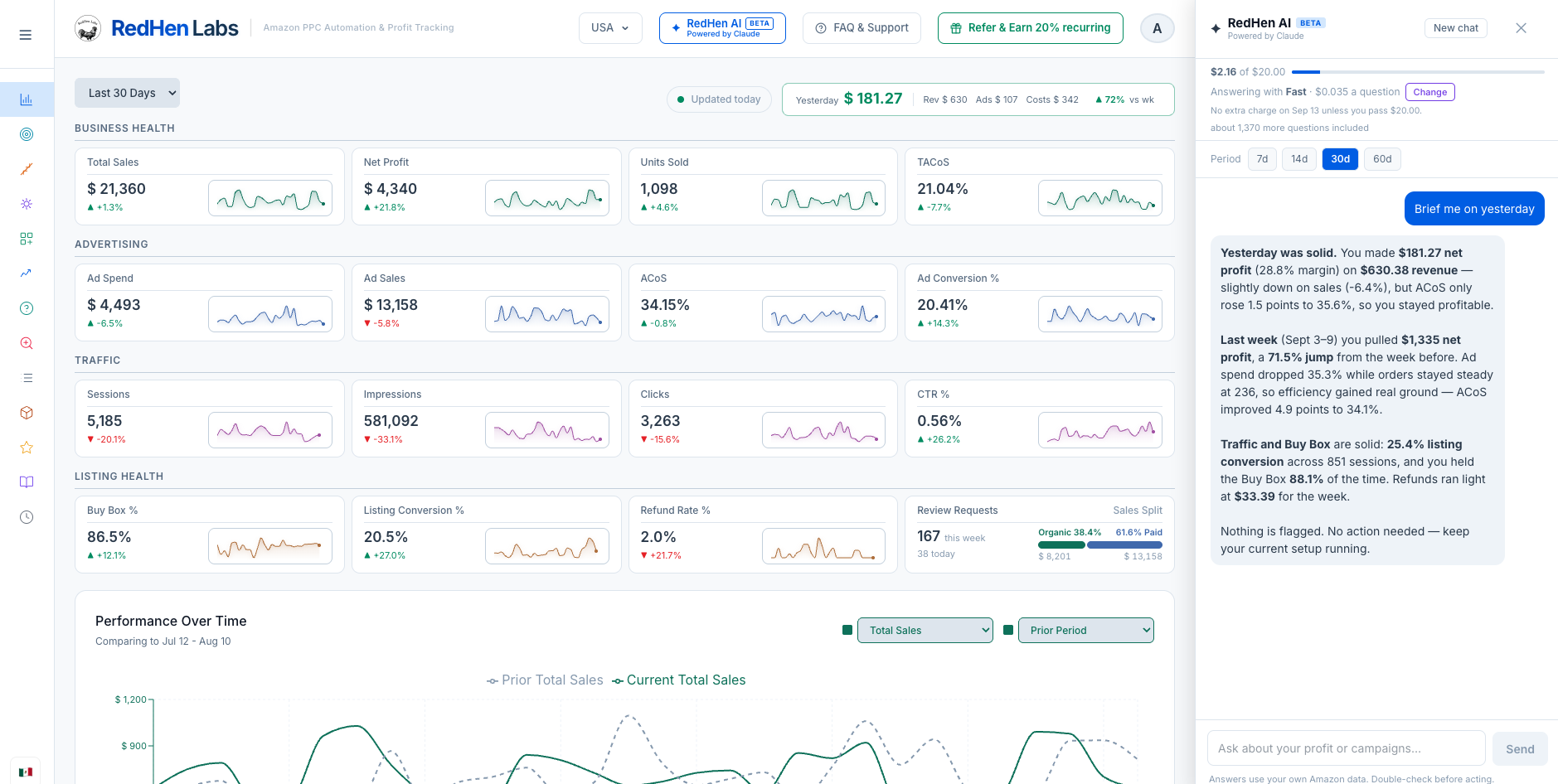
ad targets under management
in seller revenue tracked
of your ad spend, taken as a fee
of changes logged, with one-click undo
Every product, campaign and search term against your real costs — COGS, FBA fees, returns and ad spend.
Bid changes, negative keywords, keyword harvests, placements — each one priced in dollars, not percentages.
Queue by default — nothing reaches Amazon until you say so. You choose what runs unattended. One-click undo. Full audit trail.
Plugged straight into your Amazon account. Your real costs and every campaign — Sponsored Products, Sponsored Brands and Sponsored Display — land in one place with your search terms, then feed bid rules, negative keyword automation, keyword harvesting, dayparting by hour of day, and an AI assistant reading the same numbers you are.
Nothing comes back as a chart to interpret. Every recommendation is actionable — the dollars at stake, one click to approve, one click to undo.